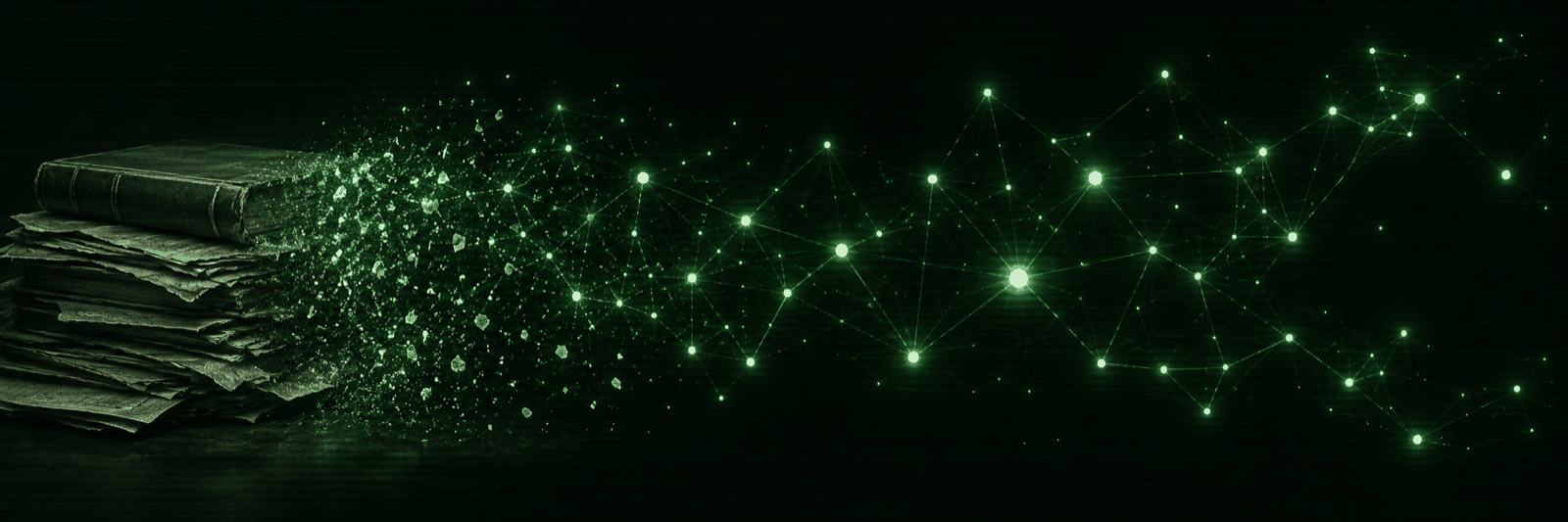
Point it at a folder of markdown. It reads every note, works out which names
keep turning up, and draws the ones that keep turning up together as a constellation you can
click through. Ask it a question and the answer cites the notes it came from. Nothing is
uploaded anywhere, and your notes stay plain files in your own folder the whole time.
One real vault, measured on a MacBook Pro driving a live Tiiny AI Pocket Lab.
Your corpus will be a different size. These are here so you know what shape of thing this
handles, not as a benchmark.
Two ways to answer, and the split is the point
Most tools that sit on a pile of notes do one thing: embed everything, search
for the nearest passages, hand those to a model. That is right for a question about a topic
and wrong for a question about a person. Tiiny Brain notices the difference and takes a
different road.
"What did we decide about X?"
→ nearest-neighbour search over 9,703 vectors
The archive says you settled on the second option, because the first
one needed a rewrite nobody had time for. [2][5]
This is what search is for. You want the handful of passages closest to the words you
typed, and you want each claim to carry the note it came out of.
Retrieval question
"Who is Richard?"
→ reads every passage that names him, all 136 notes
A cited profile: who he is, what he works on, which projects he keeps
turning up in, drawn from every mention across the vault.
Search would have handed the model whichever notes happen to name him near words that
match the question. That set is small, arbitrary, and usually produces one hedged
sentence. Reading every mention is a different and much better set.
Question about a name it knows
Same corpus, same model, same box. The only thing that
changed is which passages the model got to see. The answer tells you which road it took, so
you are never guessing whether you got the good one.
Names are folded on case, so HOLACE and HoLaCe are one
name, and the spelling that actually shows up most often is the one you see. Finding the
names involves no model at all. It is about a second for ten thousand chunks.
The names that keep turning up together
Everything you have written is already a graph. You just cannot see it. Tiiny
Brain draws it: every recurring name is a node, names that share notes are linked, and
clicking one pulls its neighbourhood forward. Click a note and you can read it, copy it back
out as markdown, or ask about that note on its own.
The app's artwork, not a screenshot. It is the right picture though: a wall
of your own notes with the threads between them lit up.
write back
New notes land in your vault
Write one from inside the app and it goes into your own folder as markdown, gets chunked
and embedded, and is answerable a few seconds later. You do not re-run anything.
add more
Re-runs only do what is new
Point it at the folder again after a week of writing. Filing and chunking and embedding
all skip what they have already seen. Only the name index rebuilds, and that is fast.
check it
One light tells you what broke
The light in the top bar probes the device, the key, both models, whether every chunk is
embedded and whether names are extracted, then names the one that is broken.
It will tell you when it does not know
A notes assistant that fills gaps is worse than no notes assistant, because you
will believe it. This one answers out of what it retrieved and nothing else. Every factual
claim carries the passage it came from. When the passages do not support an answer, you get
one line back:
The only honest answer some of the time
Nothing I retrieved covers that.
Note the wording. It says retrieved, not the archive does not have. The model
saw six passages. It cannot speak for your whole vault, and telling you your notes never
mention something when they mention it all over the place is worse than saying nothing. Over
someone else's library that is just wrong. Over your own writing it tells you your memory
is faulty when it is not.
What it keeps, and where
your files
Still plain markdown
It reads your folder. It does not move it, rename it, or convert it into a database only
the app can open. Delete the app tomorrow and every note is exactly where you left it.
egress
Nothing leaves the machine
No account, no sync, no telemetry. The only network traffic is your laptop talking to a
Tiiny on your own LAN, which is the one doing the embedding and the answering.
deps
Python standard library only
Nothing to install from a package index. A tool you reach for when you cannot look
anything up should not need the internet to start. If numpy happens to be there it gets
used for search. It is not required.
device
0 NPU units resident
It uses the embedding and chat models you already have loaded on the Tiiny. It does not
claim a slice of the box for itself and does not unload what you were using.
Put it on your desk
It lives on tiinyapp.farm,
the community app farm for the Pocket Lab, which handles the install and checks the release
against its published checksum. Or clone it. There is no build step either way.
# get it. Python 3.9 or newer, nothing from PyPI
git clone https://github.com/webdevtodayjason/archiver
cd archiver

# where the corpus is written. Defaults to ./corpus next to the code
export ARCHIVER_HOME=~/brain/corpus

# the box that does the embedding and the answering
export TIINY_HOST=tiiny
export TIINY_KEY=...
export TIINY_PORT=80

# read your vault and build the brain
python3 md2jsonl.py ~/Obsidian\ Vault notes.jsonl
python3 archiver add-text notes.jsonl
python3 archiver chunk
python3 archivist.py index
python3 entities.py build

# open it at http://127.0.0.1:8500
python3 cockpit.py 8500
Port 80 is not a typo. Firmware 1.0.0 moved the
gateway there. Before that it was 8800, and on 1.0.0 that port still answers but only on the
docker bridge, so a TCP check passes while every request fails. On older firmware set
TIINY_PORT=8800. You can set all of this in the Setup panel instead once the app
is running, and environment variables always win over that file, so a script you wrote last
month keeps working.
What each step is for
step
what it does
md2jsonl.py
Reads the folder. Folder becomes the project, filename becomes
the title. Strips frontmatter, wikilinks and code fences.
add-text
Files the notes in the corpus. Re-running only adds what is new.
chunk
Cuts them into passages that keep their source and page.
archivist.py index
Embeds the chunks on the device. This is the slow one.
entities.py build
Finds the recurring names. No model involved, about a
second for ten thousand chunks.
cockpit.py
The map, the reader and the ask box.
Check it worked
python3 archiver status           # notes, chunks, quarantine
python3 archivist.py refusal-test # does it refuse what it cannot support
python3 entities.py top 25        # the names it found
An empty graph means names have not been extracted yet,
so run entities.py build. An answer of "nothing I retrieved covers that" on a
question you know is in there usually means the vectors are short of the chunks, so run
archivist.py index again.